
Accessing the Platform
Portal entry points, SSO and authentication options
This guide outlines everything you need to know about accessing the Revenue Recovery platform. You'll learn about the platform's entry points through custom subdomains, available authentication methods, and the first-time login process. We'll also cover important deployment information and troubleshooting steps to ensure you can access your organization's instance smoothly and securely.
Portal Entry Points
Custom Subdomain Access
Each organization is provided with a unique, dedicated subdomain for accessing their Revenue Recovery instance. Your subdomain will be configured in the following format:
https://{your-org-name}.ailevate.comFor example, if your organization is named "Memorial Health System", your subdomain might be:
https://memorialhealth.ailevate.com
NoteYour specific subdomain will be provided by Ailevate during the deployment process. Contact your Ailevate representative if you haven't received your subdomain information.
Authentication Options
The Revenue Recovery platform supports two secure authentication methods to accommodate your organization's security requirements:
Microsoft Entra ID (formerly Azure AD)
- Seamless integration with your existing Microsoft identity provider
- Single Sign-On (SSO) capabilities
- Role mapping from Entra ID groups to Revenue Recovery roles
- Secure and standardized OAuth 2.0/OpenID Connect protocol
Magic Link Authentication
- Passwordless email-based authentication
- Secure, time-limited login links sent directly to verified email addresses
- No passwords to remember or manage
- Enhanced security with single-use links
First-Time Login Process
-
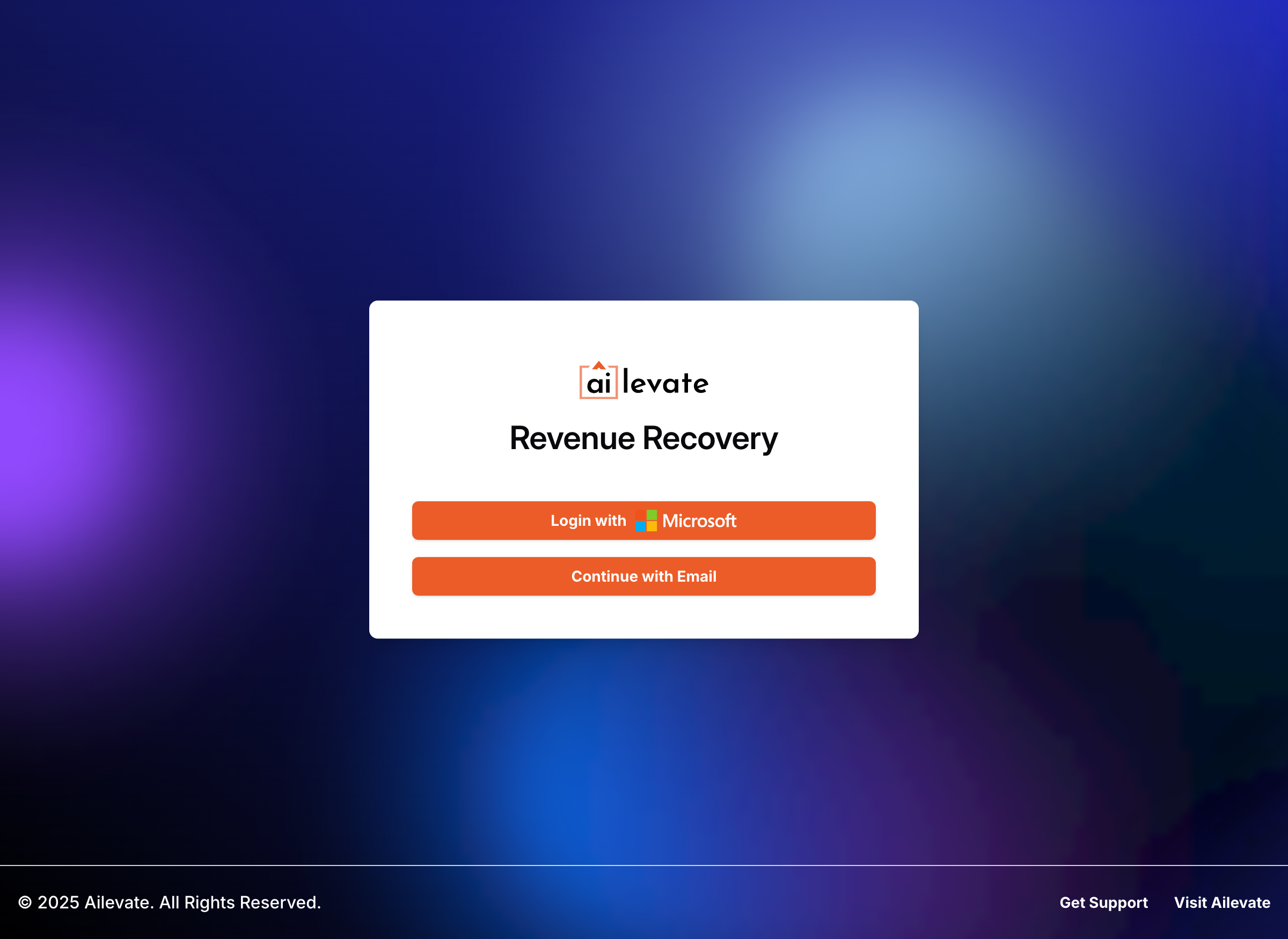
Navigate to your organization's custom subdomain URL
-
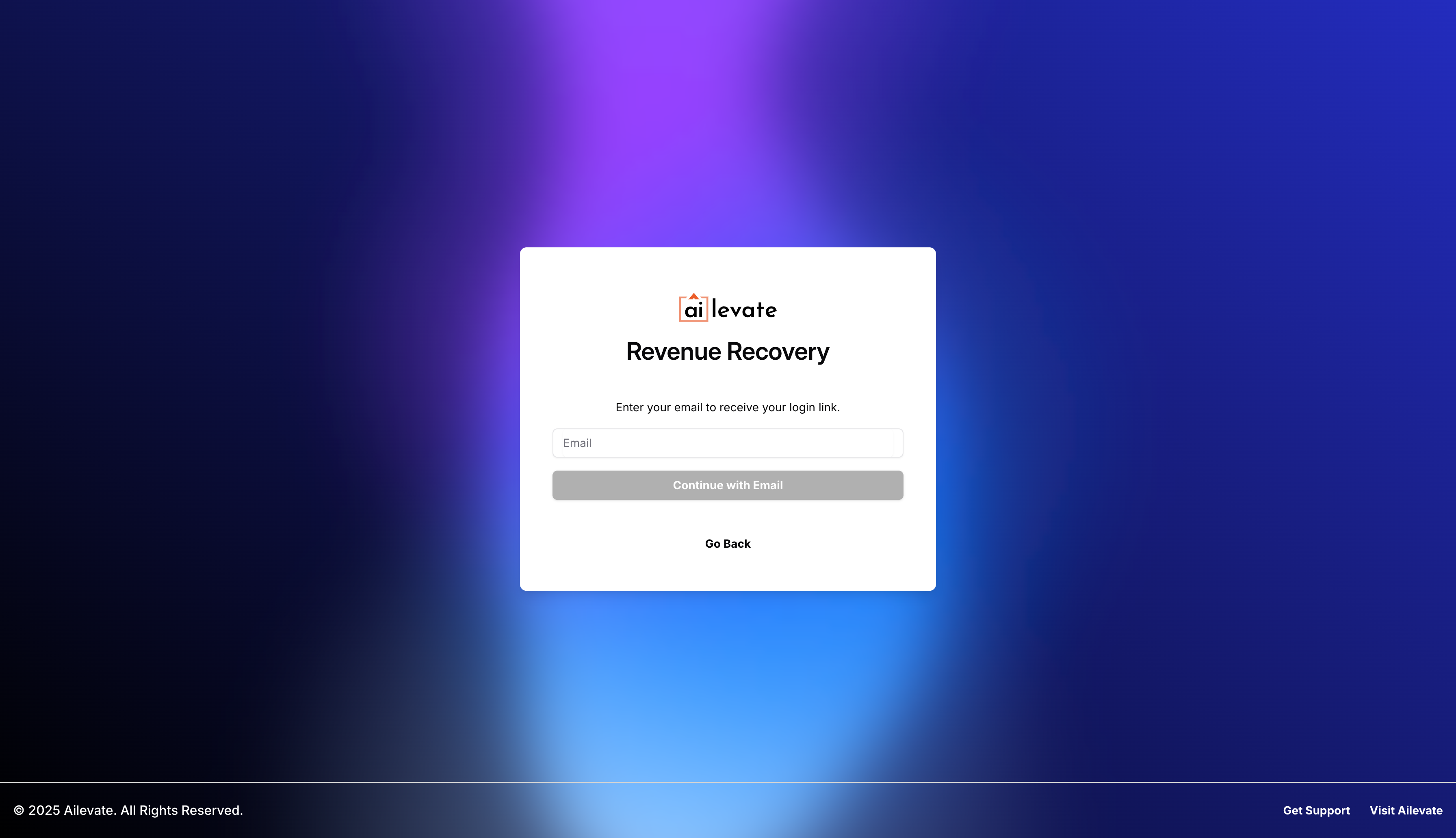
Select your preferred authentication method
For SSO: Click "Sign in with [Your Identity Provider]"
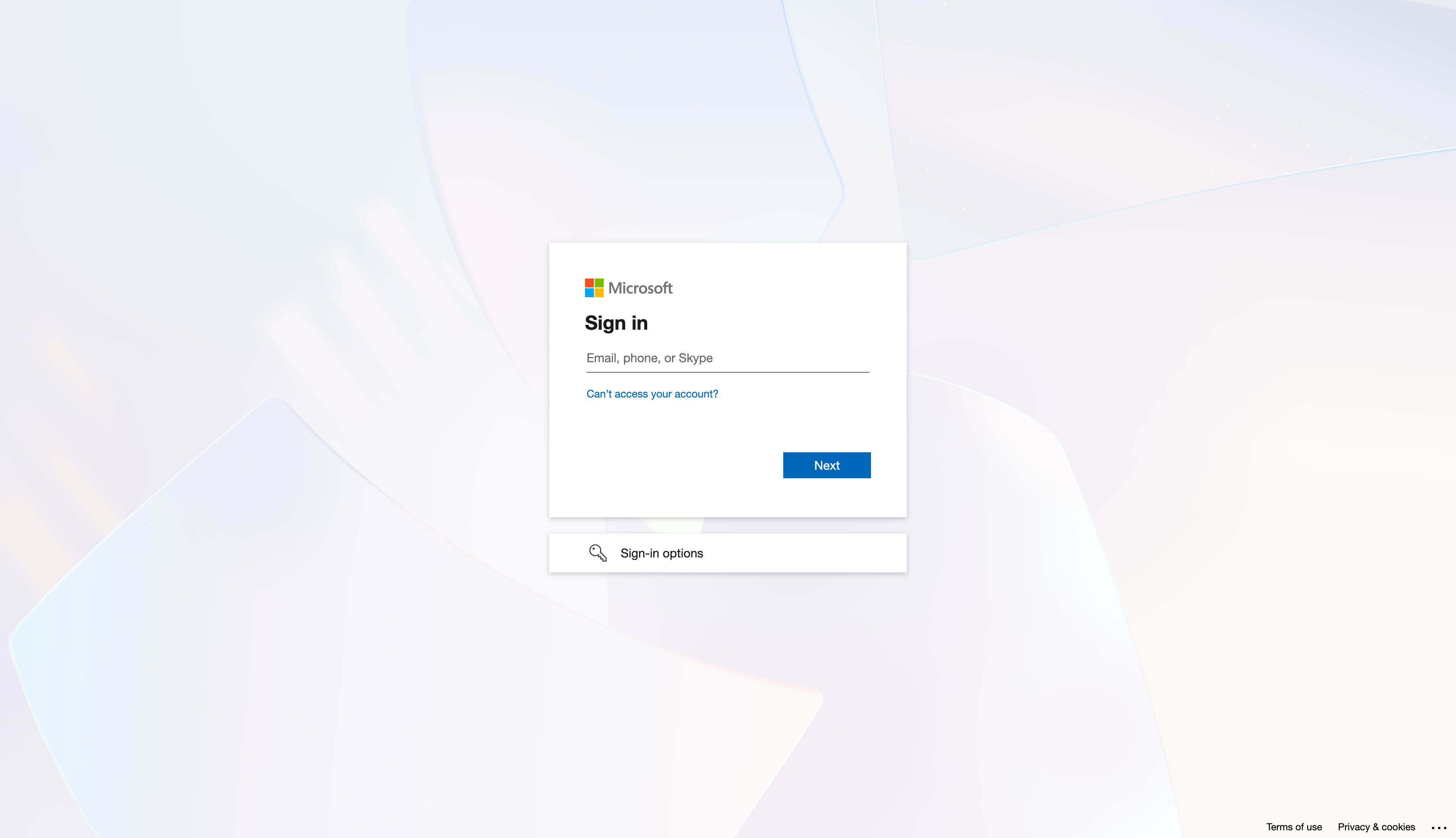
For standard authentication: Enter your email and password
-
If using standard authentication, you may be prompted to complete additional steps
Change your temporary password if this is your first login.
Set up multi-factor authentication if required by your organization.
Accept terms of service.
-
Upon successful authentication, you'll be directed to your organization's Revenue Recovery dashboard
Deployment Note
ImportantThe Revenue Recovery platform is fully managed by Ailevate. Unlike some healthcare solutions, it is not available through the Azure Marketplace in its current version. This ensures we can provide optimal support and maintain the highest level of service quality for your organization.
Deployment Process
- Ailevate handles all aspects of platform deployment
- Your organization will be provided with:
- Custom subdomain URL
- Initial admin credentials (if using standard authentication)
- SSO configuration details (if using SSO)
- No customer-side deployment steps are required
Access Issues?
If you encounter any issues accessing the platform:
- Verify you're using the correct URL (check for typos in the subdomain)
- Ensure your network allows access to *.ailevate.com
- Clear your browser cache and cookies
- Contact your organization's system administrator
- For persistent issues, reach out to Ailevate Support
Updated 12 months ago